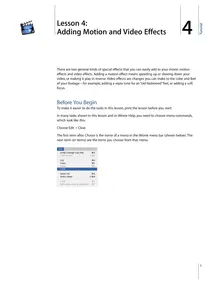
4 Lesson 4:Adding Motion and Video Effects 4There are two general kinds of special effects that you can easily add to your movie: motion effects and video effects. Adding a motion effect means speeding up or slowing down your video, or making it play in reverse. Video effects are changes you can make to the color and feel of your footage—for example, adding a sepia tone for an “old-fashioned” feel, or adding a soft focus.Before You BeginTo make it easier to do the tasks in this lesson, print the lesson before you start.In many tasks shown in this lesson and in iMovie Help, you need to choose menu commands, which look like this:Choose Edit > Clear.The first term after Choose is the name of a menu in the iMovie menu bar (shown below). The next term (or terms) are the items you choose from that menu.1Tutorial Motion EffectsYou can make a clip play backward, and you can make whole clips or parts of clips play in slow motion or fast motion. If you reverse the direction of a clip, you can also slow it down or speed it up in reverse.Making a Clip Play in ReverseYou can apply the reverse-motion effect only to a whole clip. If you want to make only a few frames play backwards, separate those frames into their own clip by splitting the clip at the start and end of the desired frames.To reverse clip direction:1 Select the clip you want to reverse. You can select a clip in the clip viewer, the timeline viewer, or in the Clips ...